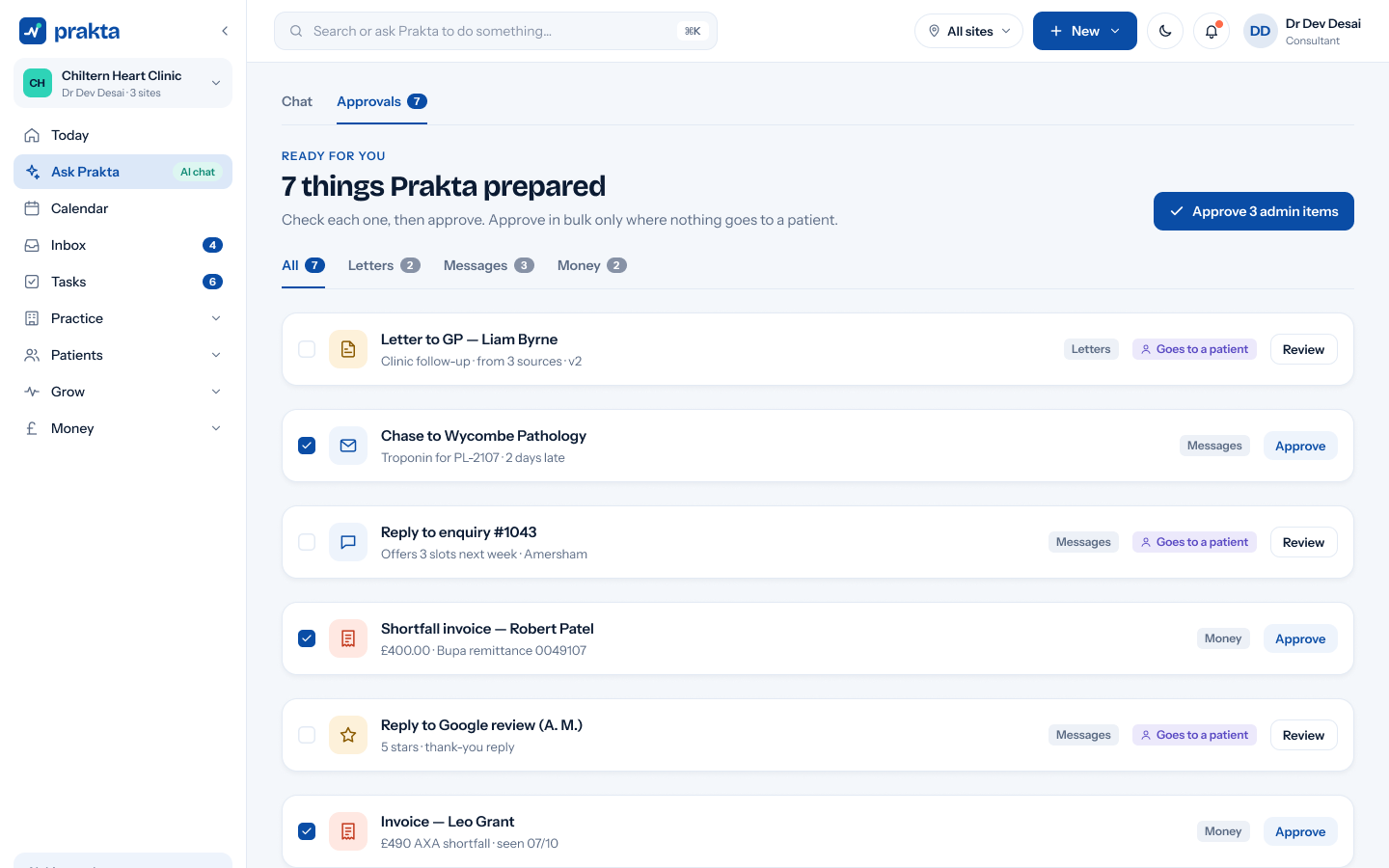
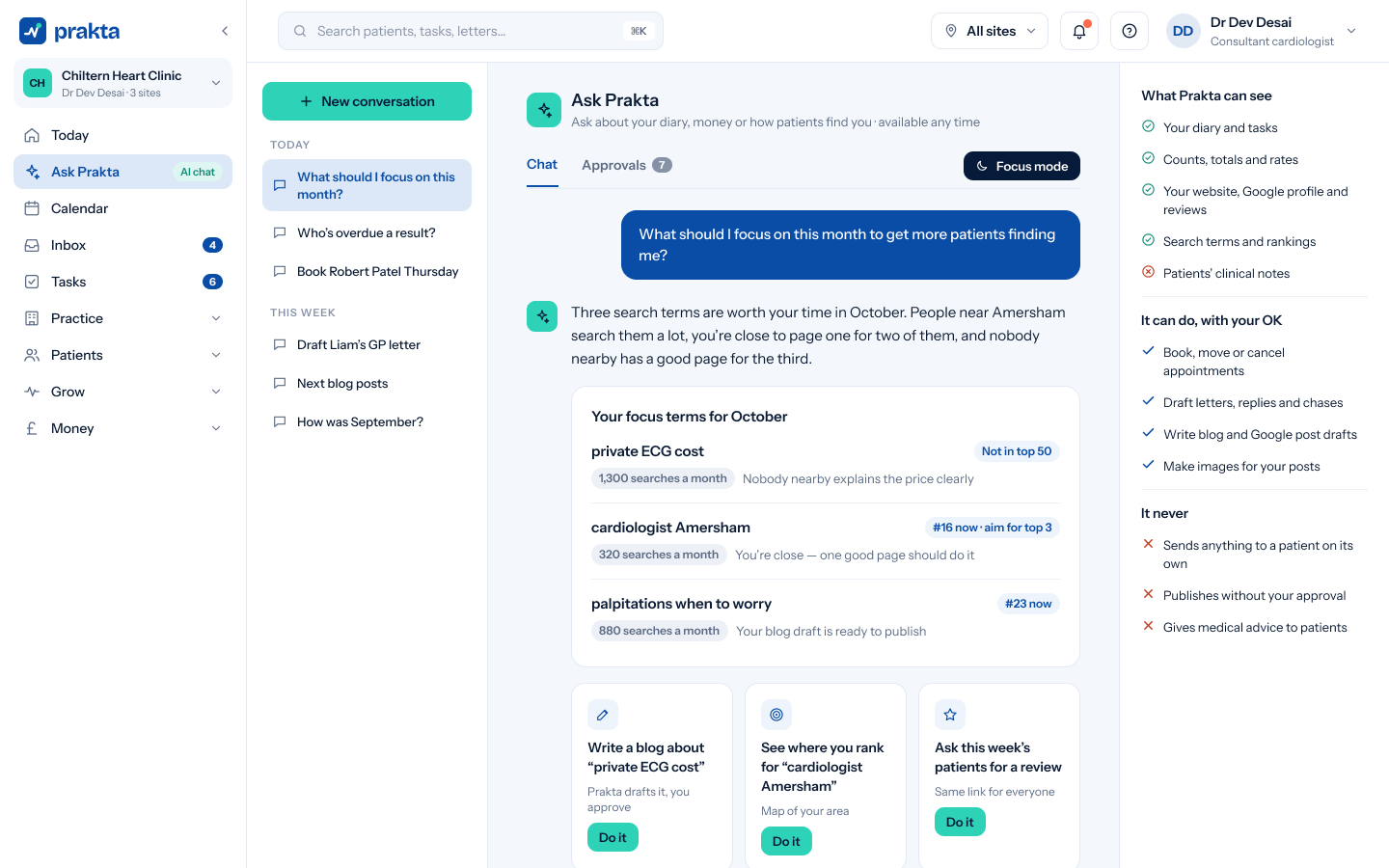
Viewed, drafted, approved and sent, with names and times.
Your data is yours
Export it or delete it when you leave.
Access & roles
The right people, the right screens.
Roles for consultants, secretaries, billing, practice managers and outside billing companies, with two-step sign-in.
Role-based permissions
Two-step sign-in
Separate access per site
Data protection
UK GDPR, in plain English.
Data processing agreement
A DPA for every practice, signed during setup.
Sub-processors
The services we use to run Prakta, listed and kept up to date.
Retention
Set how long records are kept, in line with your policy.
Subject access requests
Find and export a patient’s data in a few clicks.
Hosting region
Where practice data is stored.
ICO registration
Registration number shown here.
AI and your data
Clear limits on the assistant.
Ask Prakta only sees what a user’s role allows, prepares work for approval and never sends to patients on its own. Model and provider details are listed with our sub-processors.
Sees only what the role allows
Prepares, never sends on its own
Every AI action is logged
Questions
Questions, answered.
Who can see patient information?
Only people in your practice, with the access their role allows. Every view and change is logged.
Does Prakta send messages to patients automatically?
Answer to follow: awaiting client copy.
Can we export our data?
Answer to follow: awaiting client copy.
How do I report a security concern?
Answer to follow: awaiting client copy.
See it with your own diary and letters.
A 30-minute demo, set up around your specialty and your clinics.